VideoPress helps your video content spread virally across the web through WordPress shortcodes and HTML embeds. We realize not every publisher would like to see his or her video spread across the web and offer two options to restrict distribution: no advertised embed method and restricting embeds to a specific domain. Publishers using the VideoPress plugin for WordPress may choose to restrict playback to just their blog domain.
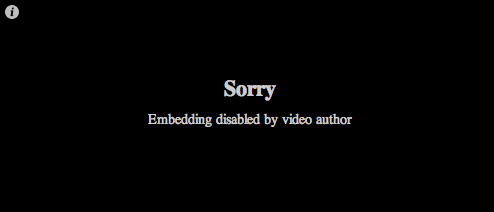
Websites embedding restricted content will see the message displayed above, indicating video embeds are disabled for the given domain. Publisher may override this default behavior for specific domains through the media settings of the WordPress.com blog with a VideoPress upgrade.

Log in to the administrative interface associated with your WordPress.com blog to configure new settings for embeds across all the blog’s videos. Media preferences are located at https://[blog_domain].wordpress.com/wp-admin/options-media.php
Enter a comma-separated list of allowed domains into the “Restrict embed playback” text field. You may also optionally choose to disable advertised embeds by default.

Restricted playback only applies to videos with limited embed options. Make sure to uncheck the embed option on new video uploads to limit Flash player behavior.
