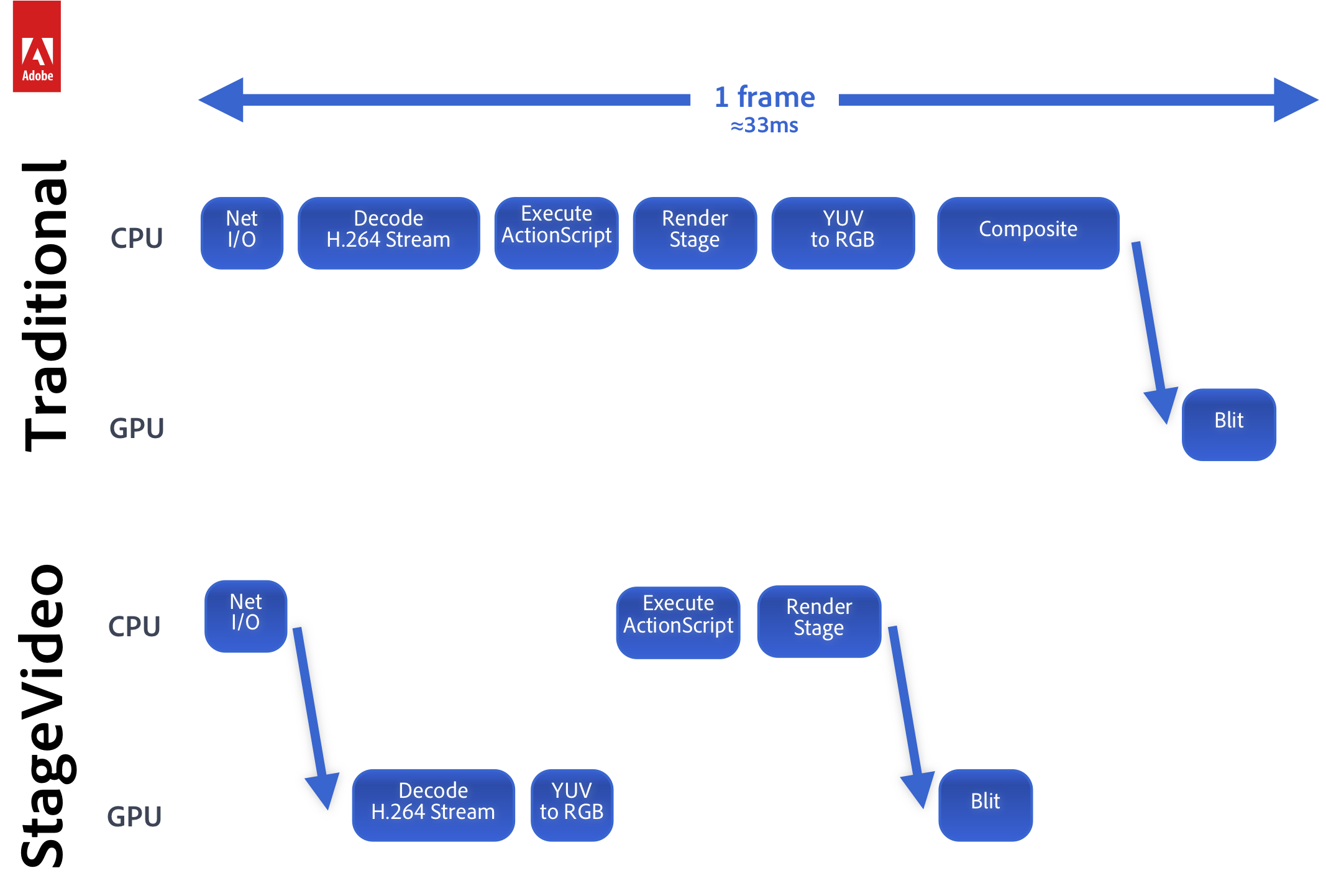
The VideoPress plugin for WordPress now includes dynamic support for HTML5 <video> playback on devices incapable of Flash playback. Your videos are directly inserted onto your webpage alongside your other content: no iframes or other secondary content embeds necessary. The new VideoPress plugin for WordPress delivers faster load times, better playback experiences on more devices, and delivers even more accessibility and search engine friendly features.
HTML5 video
 VideoPress automatically detects the playback capabilities of each website visitor and serves the most appropriate video player based on those capabilities, your publisher settings, and custom attributes you may specify with each shortcode. Visitors capable of Flash playback will see the VideoPress Flash player complete with HD switching and share options. Visitors capable of HTML5 <video> playback of MP4 (H.264, AAC) or Ogg (Theora, Vorbis) will see a browser-native HTML5 <video> player and controls.
VideoPress videos are first-class citizens of your webpage with support for custom layout, styling, and playback events tracked by your existing analytics providers. VideoPress will automatically light up third-party analytics software with support for HTML5 media events.
Authors can opt-out of the new dynamic player and force Flash by including shortcode attribute flashonly=true. Freedom-loving authors and publishers may continue to include only Freedom-loving formats through their site’s media settings or by including shortcode attribute freedom=true.
Faster load times
The VideoPress plugin for WordPress now includes a lightweight video preview before activating a full video player in response to a visitor’s click or touch. This two-stage approach delivers improves website load times and general responsiveness.
Search engine friendly
The VideoPress preview also provides more descriptive on-page markup for your videos, helping search engines and screen readers better understand your video content. Videos with associated transcripts, such as WordPress TV, include WebVTT data for display by supporting browsers.
Technical notes
The VideoPress plugin for WordPress supports WordPress 3.0 or later, including cache-awareness for multisite installs. Publishers who have customized their CSS around past VideoPress Flash markup will want to adjust their theme for the new video preview markup. We recommend clearing your site cache, if applicable, to take advantage of the new player. The VideoPress dynamic player chooses the best player at runtime, avoiding the need for a separate page cache for HTML5-capable browsers. The VideoPress plugin for WordPress integrate well with your existing cache setup.